Pricing
No subscription, no account needed. You only pay when you export without watermark.
Free
Design and preview
- Unlimited designing
- Live preview in the browser
- 5 templates, all fonts and icons
- Free sample files to test your editor
incl. 19% German VAT, one-time payment, no subscription. A new version is created when text, icon, font, colour, style, timing, position, size or aspect ratio change. The file format does not count.
24-hour passes already bought at €0.99 stay valid as bought until they expire.
The editor preview carries a watermark; downloads are only available after purchase. To check your editing program first, use the free sample files below.
Fonts come from Google Fonts under free licences (SIL Open Font License or Apache License 2.0), icons from Lucide (ISC licence). Both allow use in your own videos, including commercial ones. You are responsible for rights to the texts, names and brands you enter.
Free sample files
Free fixed sample files made with the same renderer as the export. We checked resolution, frame rate, duration and preserved transparency or green background of the files (ffprobe, pixel checks). We did not test imports into each editing program ourselves: please check with your version before buying.
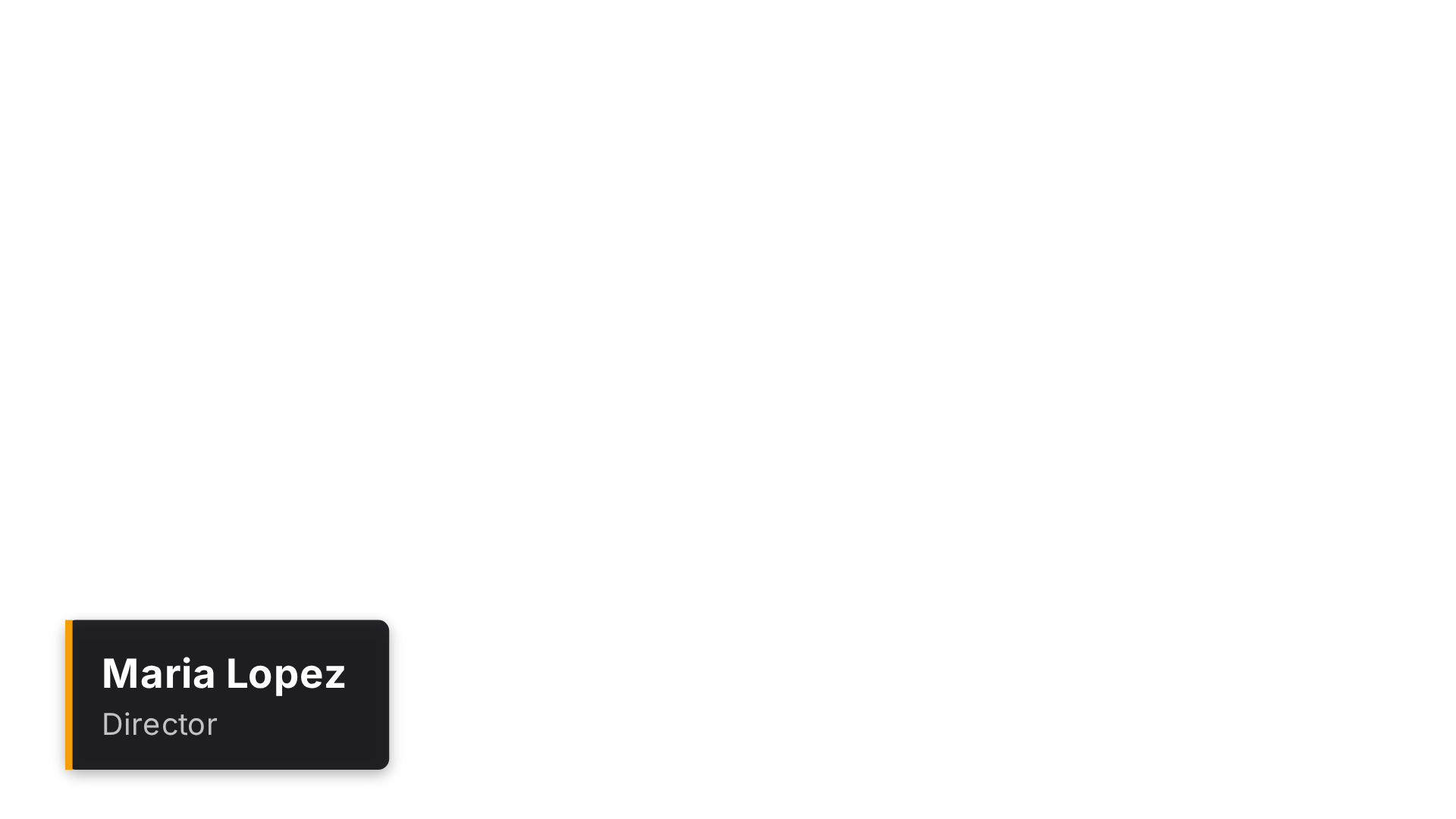
- ProRes 4444 .mov1920×1080, 30 fps, 93 frames, 3.1 s, 7.3 MB, yuva444p12le
- PNG .zip93 PNG (RGBA) 1920×1080, for 30 fps import, 5.6 MB (ZIP stores no frame rate)
- WebM AlphaVP9 with alpha, 1920×1080, approx. 3.2 s, 0.2 MB, variable frame rate (browser recording)
- WebM GreenscreenVP9 with a green background for chroma key, 1920×1080, approx. 3.2 s, 0.1 MB, variable frame rate (browser recording)

- ProRes 4444 .mov1920×1080, 30 fps, 130 frames, 4.3 s, 9.8 MB, yuva444p12le
- PNG .zip130 PNG (RGBA) 1920×1080, for 30 fps import, 7.4 MB (ZIP stores no frame rate)
- WebM AlphaVP9 with alpha, 1920×1080, approx. 4.4 s, 0.1 MB, variable frame rate (browser recording)
- WebM GreenscreenVP9 with a green background for chroma key, 1920×1080, approx. 4.4 s, 0.1 MB, variable frame rate (browser recording)
First file for your editing program
Manufacturer documentation describes the workflow, not the import of these clips. The files are technically checked; we have not tested these exact clips in Resolve, Premiere, Final Cut or CapCut. Test over light and dark footage before buying.
| Program | First file to try | Fallback / limitation | Guide / manufacturer |
|---|---|---|---|
| DaVinci Resolve | ProRes 4444 .mov | PNG sequence. The Resolve 20 codec list distinguishes platforms and Free/Studio. Check ProRes decoding for your configuration with the sample; do not assume WebM alpha support. | GuideManufacturer |
| Premiere Pro | ProRes 4444 .mov | PNG sequence. Rendered alpha clip, not an editable MOGRT. Test over light and dark footage; do not assume WebM import. | GuideManufacturer |
| Final Cut Pro | ProRes 4444 .mov | Without ProRes: PNG frames only via a workaround (e.g. conversion in Motion/Compressor or a manual frame workflow). Apple lists PNG as a still image format and ProRes/MOV as video. So use ProRes 4444; do not use WebM. | GuideManufacturer |
| CapCut desktop | WebM Greenscreen | ProRes 4444, test with a sample file first. Two separate questions: CapCut has chroma key, but whether your version imports the WebM file (VP9) at all is untested by us. Test with the free greenscreen sample first. If import fails, CapCut recommends MP4: convert the file externally (not an OverlayGenerator export). | GuideManufacturer |
| CapCut mobile | WebM Greenscreen | If import fails, convert to MP4 externally (not an OverlayGenerator export). WebM import on phones depends on device and version and is untested by us. Test the free greenscreen sample on your device before buying. Start the export on a computer and transfer the file. | GuideManufacturer |
Render test on 8 November 2026: We rendered the ProRes lower third over contrasting footage using the Kdenlive 24.12.3 render engine (MLT 7.30.0, Debian 13). The background stayed visible through the transparent areas. The test ran from the command line.